
The platform that keeps pace with your business.
Tap into the power of the platform that can tailor a solution to your specific needs today, with the flexibility to adapt and evolve as your business needs change tomorrow.
Platform
Energy
Pharmaceuticals
Trending Resources
Platform
Energy
Pharmaceuticals
Trending Resources
Tap into the power of the platform that can tailor a solution to your specific needs today, with the flexibility to adapt and evolve as your business needs change tomorrow.
Security and Access
Groups
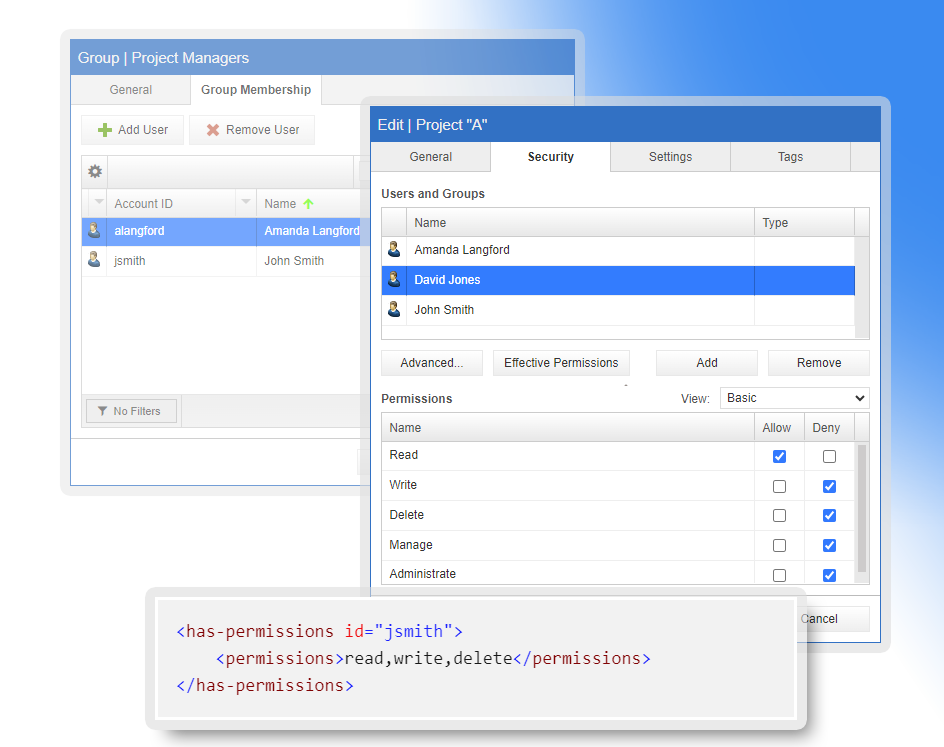
Create groups within the platform to govern access to system objects, using internal groups or external groups in Active Directory or Microsoft Azure.
Type Permissions
Apply security settings across all entities of a single type to quickly and broadly govern access.
Entity Permissions
Apply security settings to specific entity instances to govern access when entity type security is too broad.
Data Field Permissions
Determine which users or groups may modify any specific data field within the system, when entity security is too broad.
Rule Based Permissions
Set entity and data field level permissions using dynamic business logic allowing fluid permissions sets based upon current system state.
Active Directory Authentication
Integrate with Active Directory to both authenticate and manage users and groups based upon your current IT network security settings.
Azure Authentication
Integrate with Azure Active Directory both authenticate and manage users and groups based upon your current IT network security settings within Azure.
Local Authentication
Use the built-in platform authentication tools to manage users and groups completely with the platform.
Domain Whitelisting
Limit registration when using local authentication to only accounts associated with whitelisted domains.
Data and Documents
Properties
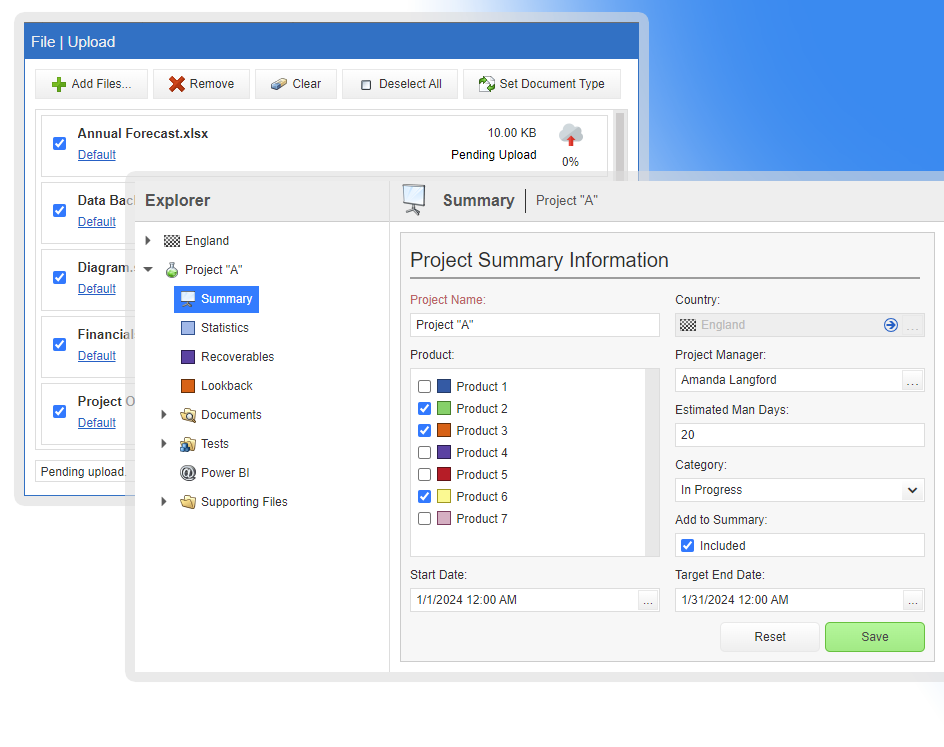
Assign any number of properties to your business objects from simple to complex property types.
Lists
Assign to your business objects any number of data object lists containing any number of properties.
Selection Lists
Create any number of predefined and centrally managed lists to populate single select and multiple select fields.
Document Types
Create custom document types and associate meta data with any documents loaded into the system.
Document Storage
Store documents and files alongside relevant structured data and manage those files within your applications and the context with which they belong.
Auditing
All business data is fully audited out of the box, achieve automatic audit requirements compliance with no effort and have access to historical changes to data.
Reports
Create reports in multiple formats using our system tools to report on and visualize data within your applications.
Batch Load
Load large sets of existing data in batches using our batch data loading tools. Prepopulate a new application or append new data sets in an existing system.
Import/Export
Use your existing Excel spreadsheets in your application workflows to easily populate the application with external data using our import and export tools.
Views
Publish views of the data held in your system in our powerful view grids that empower end users to easily mine application data.
View Export
Export the results of any view grid directly in to Microsoft Excel spreadsheets.
Logic and Automation
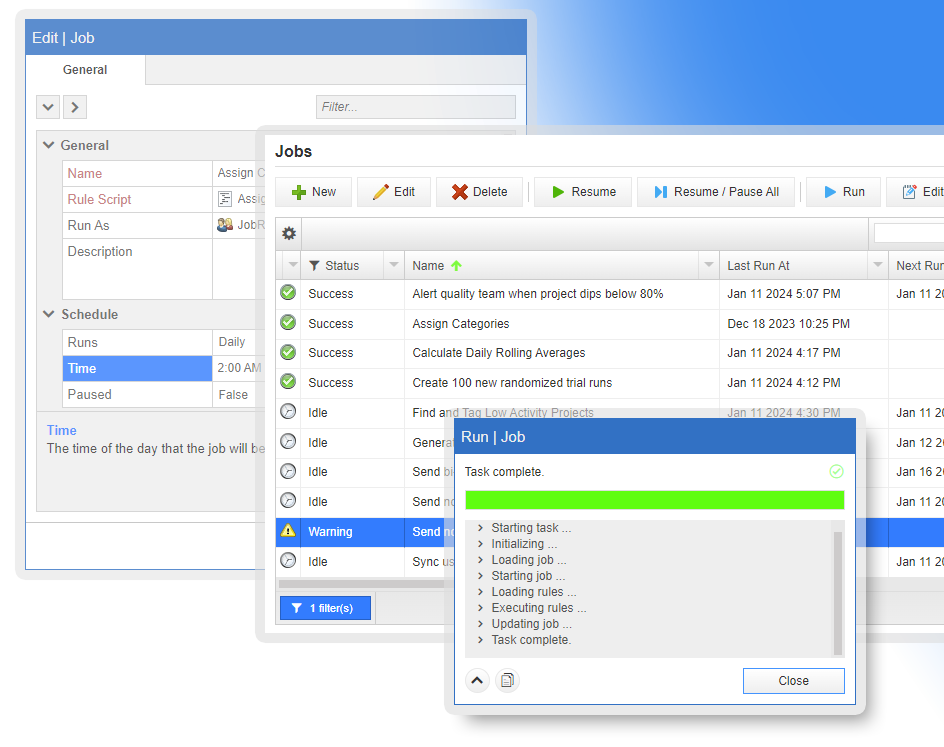
Rules
Take complete control of your application and run simple or sophisticated business logic to produce the results and enforce the rules you need with ease.
Expressions
Use simple one-line expressions to control workflow and user interface parameters in your application.
Tags
Create any number of tags to associate with your application business objects and use those tags to drive application behavior with rules and expressions.
Process
Manage the lifecycle of your business objects with custom steps, stages and decisions. Execute business logic when decisions are made and move business objects through the lifecycle.
System Variables
Use system variables to create globally accessible values to drive system behavior. React to changes of variable values and update system state in real time.
Code Editing
Use built in code editing tools to modify or search through your application business logic without ever leaving the browser.
Notifications
Generate in application notifications or send external notifications to users or groups of users in response to any system event, changes in data or changes in system state.
Jobs
Run your custom business logic at any time you wish with on demand jobs, or schedule jobs to run custom business logic on any interval of your choosing.
Events
Respond to application-level events with custom business logic that updates workflows, data, system state, processes or sends alerts and notifications.
User Interface and Visualization
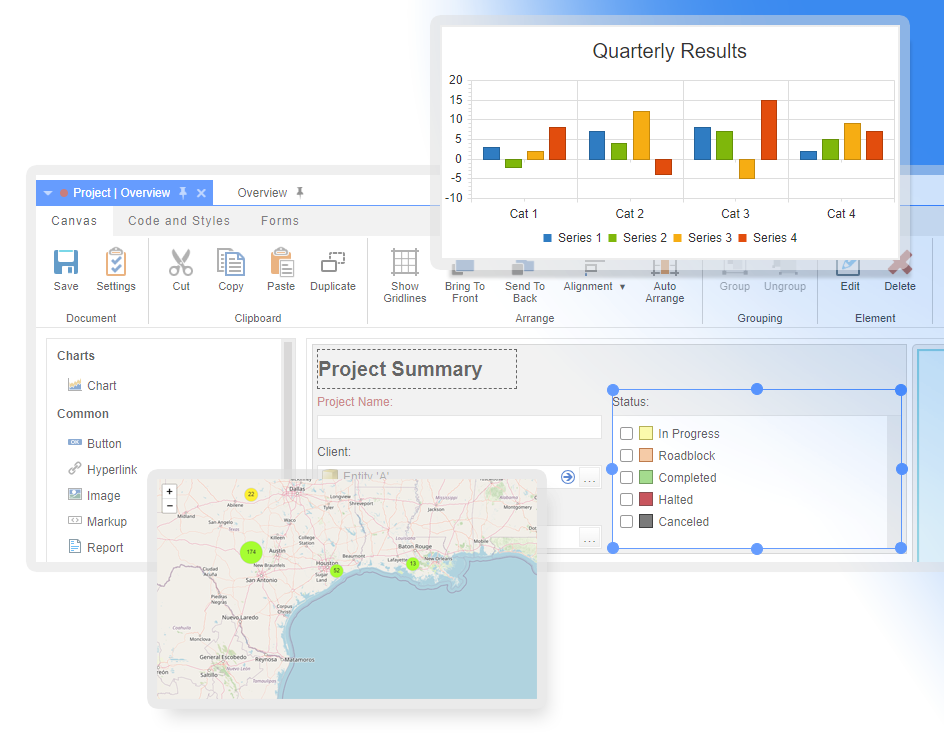
Drag and Drop Design
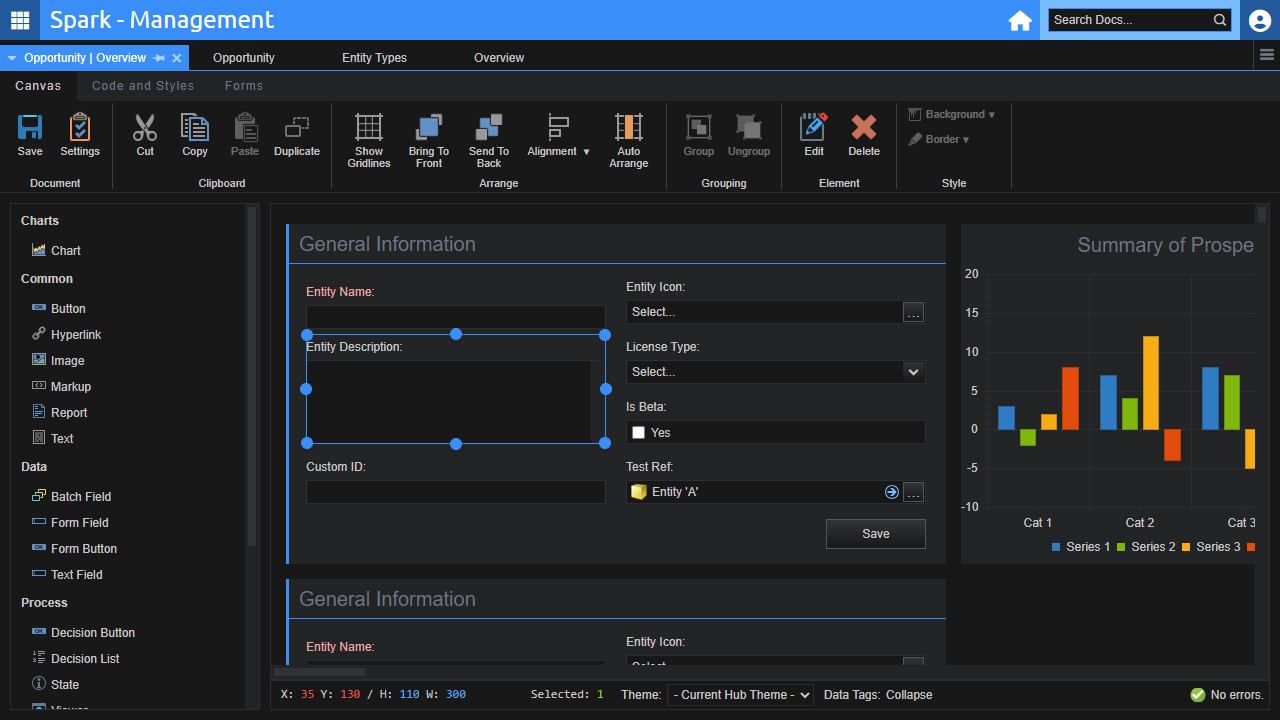
Create user interfaces with ease using our drag and drop PowerPoint like user interface design tools.
Navigation
Create visual representations of your business objects to drive user navigation through your application.
User Interface Elements
Select from our growing number of user interface elements to provide your users the tools they need to effectively interact with your data.
Variables
Use variables to drive the behavior of user interface elements all in response to system state. Change their enabled state, read-only state, location, color, labels, and other properties.
Themes
Provide end users a pleasing user interface experience using themes. Take complete control over the color scheme of your application using your own brand colors and provide light and dark mode options for end users.
Full Language Support
Full support for all language character sets. Build your user interfaces using the language of your choice and store data in any language character set.
Scripting and Styling
Extend the behavior of your user interface designs with custom scripts and styles
Graphs and Charts
Use our built-in data visualization tools to create and publish multiple chart types to bring your data to life.
Reports
Create reports in multiple formats using our system tools to report on and visualize data within your applications.
Management, Integration and Extensibility
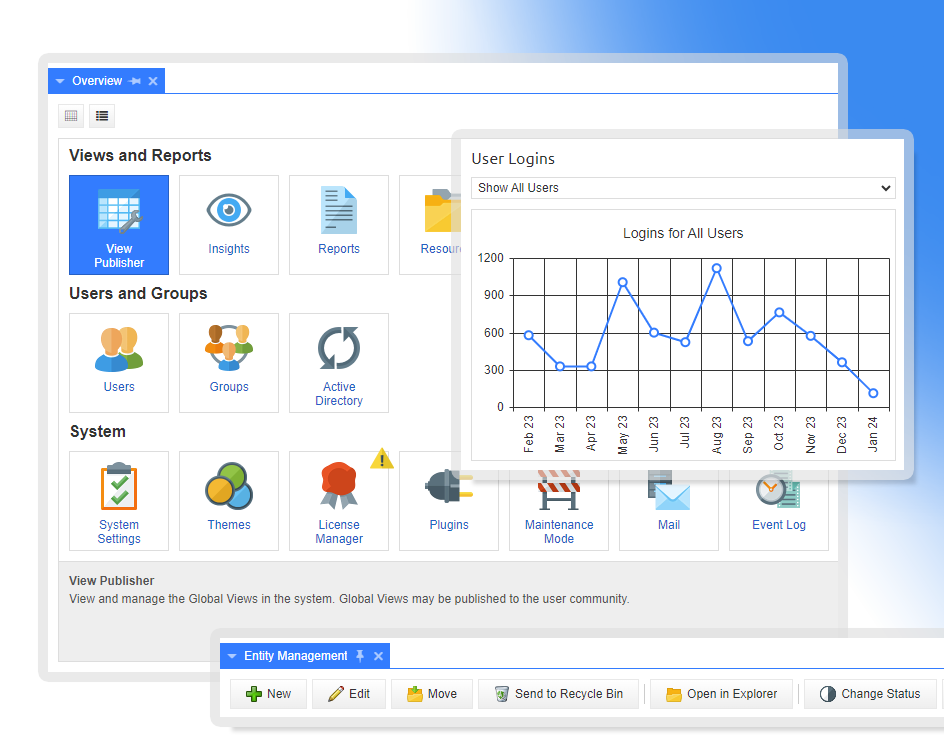
Manage mail notifications, check on mail delivery, resend rejected mail, and monitor mail server connectivity.
Recycle Bin
Centrally manage all objects that have been deleted by end users and restore any objects deleted in error.
Batch
Easily maintain and update business objects by executing custom business logic against multiple business objects, just select the business object of interest and execute.
Canvas Elements
Create your own custom canvas-based elements and deploy them to your user interface.
Rules
Create your own custom rules terms and actions and make use of them in your own custom business logic.
Plugins
Create your own plugins and deploy them to your application, adding functionality to your applications including new canvas elements, rules terms and actions, integrations and more.
100% Browser Focused
All tools are 100% deployed and managed through the browser. Neither end users or administrators need to install any software to use, manage or change your application.
Configuration Import/Export
Take the design and configuration of your application and export it to a single configuration file that can be used to deploy new systems or snapshot a systems design at any point in time.